Remove PDF Password
Remove a password you know, or strip printing and copying restrictions from a PDF that opens without one.
- Secure & private
- Works on any device
- Nothing to install
- A password you know, removed
- Or restrictions stripped
- Pages left exactly as they are
- Opens anywhere afterwards
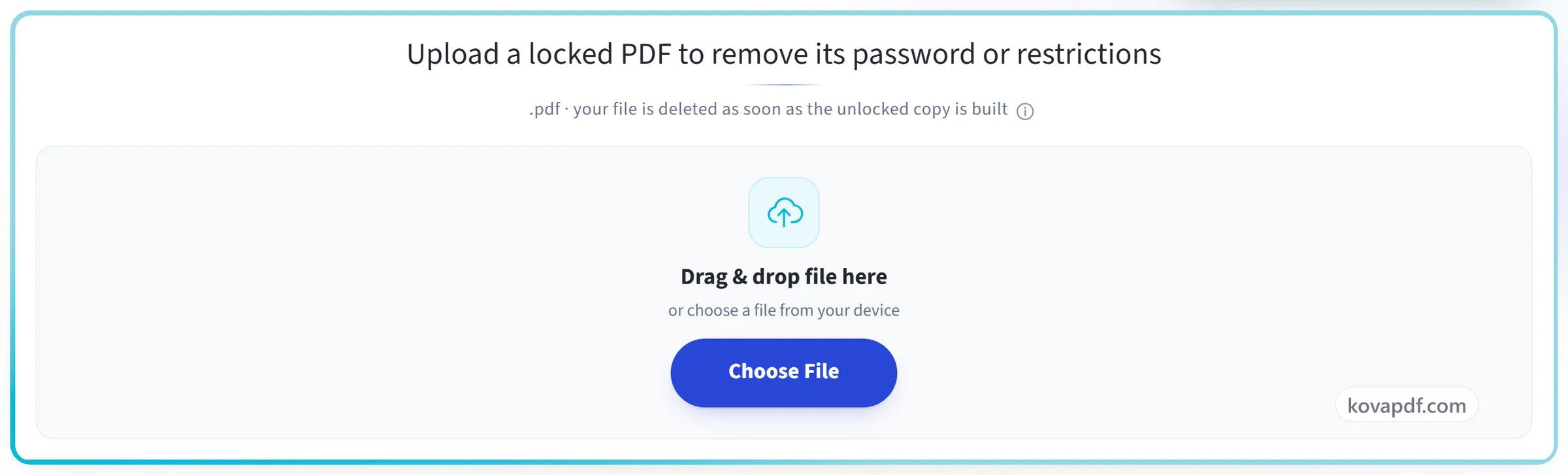
Upload a locked PDF to remove its password or restrictions
.pdf · your file is deleted as soon as the unlocked copy is built
Drag & drop file here
or choose a file from your device
Everything Unlock PDF can do
Remove a password you know from a PDF, or strip printing and copying restrictions from one that opens without a password. Free, in your browser.
Two kinds of lock
- Removes the open password from a file you have the password for
- Removes owner restrictions on printing and copying with no password at all
- Handles AES-256 and AES-128 encrypted documents
- Says which of the two locks your file carries
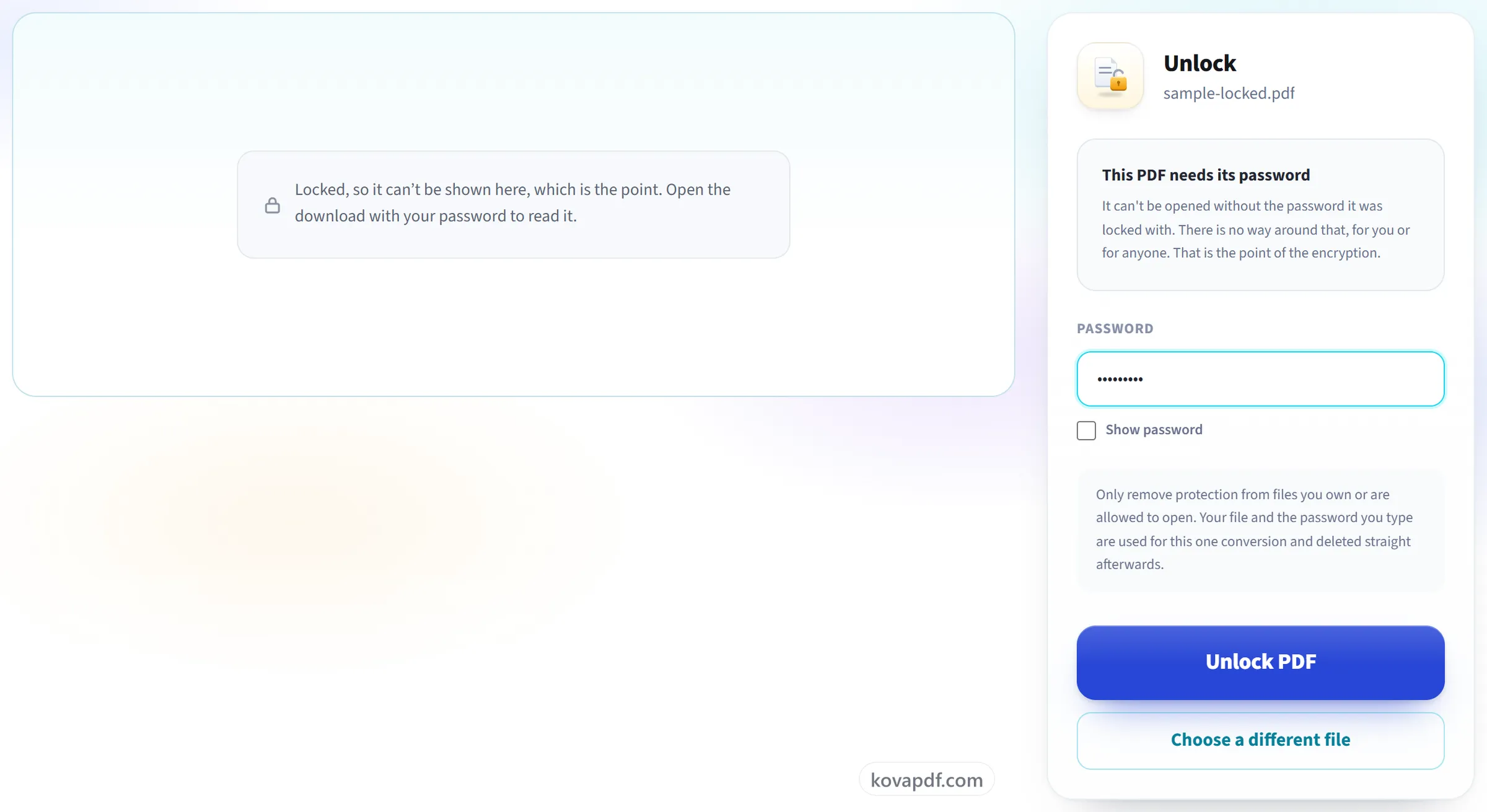
Being asked for a password
- You are asked for one only when the file genuinely has one
- A Show password switch, so you can check what you typed
- A restrictions-only file goes straight to the button
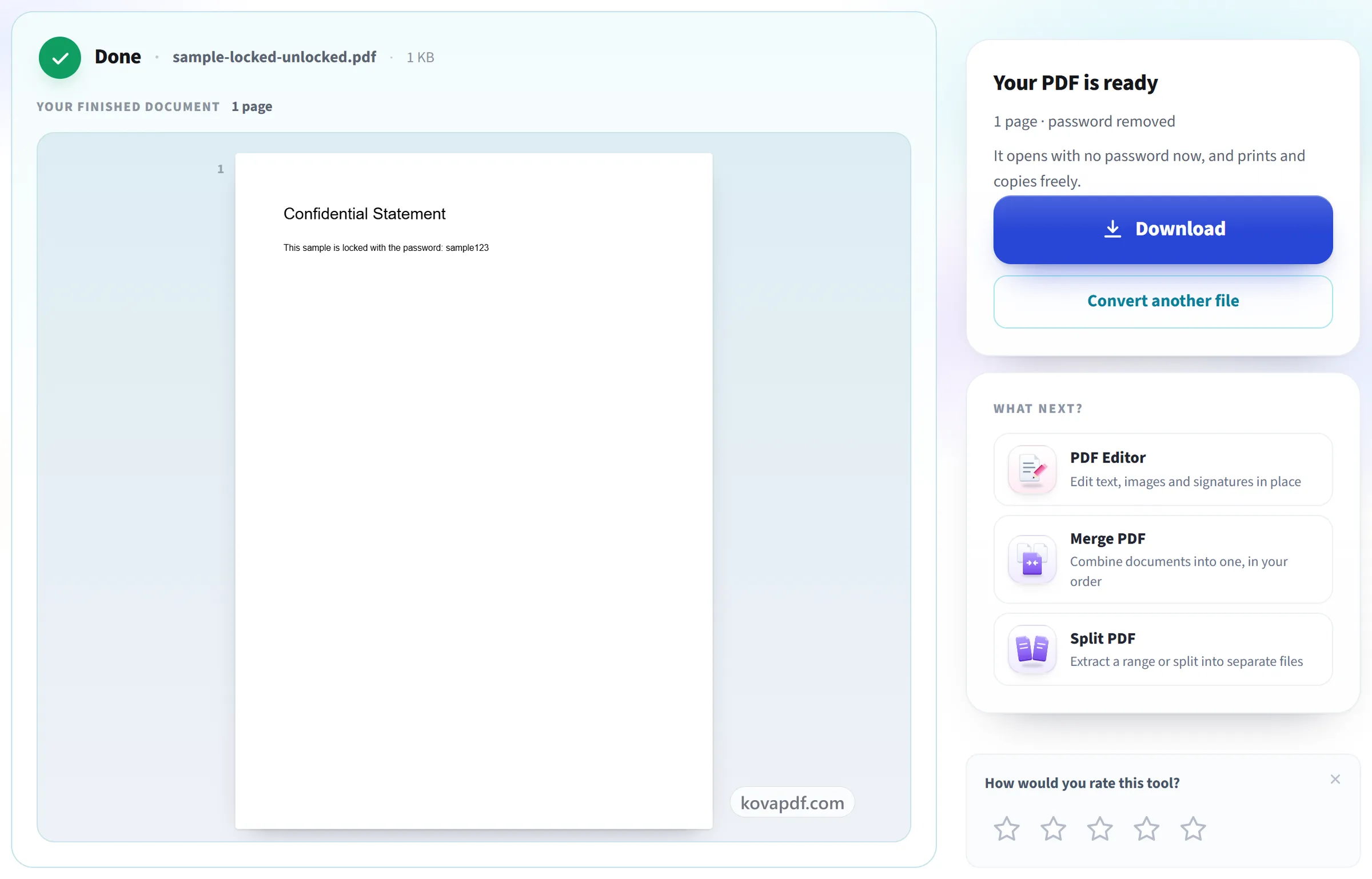
The unlocked copy
- Opens with no password afterwards, and prints and copies freely
- Every page carried across in its original order
- Title, author, subject and keywords kept on the new file
- The result screen says the page count and what was removed
- One unlocked PDF, named after your document
How it works
Unlock PDF in three steps
Upload your locked PDF
Drag the .pdf onto the panel, or click it to pick one. The file is checked straight away to see what sort of lock it carries.
Type the password (only if one exists)
A file that needs a password to open asks for it here. A file that merely blocks printing or copying needs no password at all, and this screen says so instead of demanding one you never had.
Download your unlocked PDF
It opens with no password now, and prints and copies freely.
Unlock PDF: a visual walkthrough
We check which kind of lock your file has before asking for anything.
Upload your locked PDF
Drag the .pdf onto the panel, or click it to pick one. The file is checked straight away to see what sort of lock it carries.
Type the password (only if one exists)
A file that needs a password to open asks for it here. A file that merely blocks printing or copying needs no password at all, and this screen says so instead of demanding one you never had.
Download your unlocked PDF
It opens with no password now, and prints and copies freely.
Frequently asked questions about Unlock PDF
How do I remove a password from a PDF?
Choose the PDF. The tool first checks which kind of lock it has: if it needs a password to open, type that password once; if it only blocks printing, copying or editing, no password is asked for. Then download the unlocked copy, which opens without any password.
Do I need to know the password?
It depends on the kind of lock, and we check before asking. If the file needs a password to open, yes. Nobody can get around that. If it opens fine but blocks printing or copying, there is no password to enter and none is asked for.
My PDF opens fine but won't let me print. Is that this tool?
Yes. The file has restrictions, not a password, so this tool removes them without asking for one.
Can you break a password I don't know?
No. We don't try to guess, crack or get around passwords.
What if I forgot the password?
Then the file cannot be opened without it. Try the passwords you usually use, check the email or message the file arrived with, or ask whoever sent it for an unprotected copy. If the PDF opens but only blocks printing or copying, you do not need the password at all.
Is the unlocked file identical to the original?
The pages, their contents, and the document title and author are kept. Form fields and bookmarks are not, because the document has to be rebuilt to remove the protection. If you need those, keep the original too.
Is it legal to do this?
Only remove protection from files you own or are otherwise allowed to open. Your file and password are used for the one conversion and deleted immediately afterwards.
Is it free?
Yes. Every tool works without paying and without an account. Files can be up to 200 pages and 80 MB, and a run that fails costs you nothing.
Do I need to create an account?
No. All tools work without signing in. An account raises your hourly allowance and lets you see what you have processed.
What happens to my file?
Your file stays on our server only for a short time while it is processed, then it is deleted. It is sent over an encrypted connection. We keep a record that the tool was used, but not the file name or what is in the file.
Unlock PDF guides and articles
Related tools
All PDF tools · 15 step-by-step guides · How your files are handled