PowerPoint to PDF Converter
Turn a presentation into a PDF with one page per slide, at the slide's own size, with fonts and images intact.
- Keeps your layout
- Works on any device
- Deleted after processing
- One page per slide
- At the slide's own size
- Fonts and images kept
- Speaker notes left out
.pptx · .ppt · .odp
Upload a PowerPoint presentation to turn it into a PDF
.pptx, .ppt, .odp · your file is deleted as soon as the PDF is built
Drag & drop file here
or choose a file from your device
Everything PowerPoint to PDF can do
Turn a presentation into a PDF, one page per slide, free and online, with no account.
Slides as pages
- Every slide becomes one page, in deck order
- Each page keeps the slide's own size and shape, unless you ask for paper
- Or fit every slide to A4, Letter, Legal or A3, portrait or landscape
- Fitted slides are centred whole, never cropped or stretched
What the renderer keeps
- Accepts .pptx, .ppt and .odp
- Embedded fonts, so titles set in the type you chose
- Backgrounds, gradients and photographs rendered as designed
- Charts, tables and grouped shapes drawn by a full office engine
Seeing the result
- A preview showing one page per slide, at the size you chose
- The finished PDF shown page by page in the browser
- Page count reported beside the download
Straight on
- One PDF, named after your deck
- Compress or merge the result without leaving the flow
- Open the finished PDF in the PDF Editor
How it works
PowerPoint to PDF in three steps
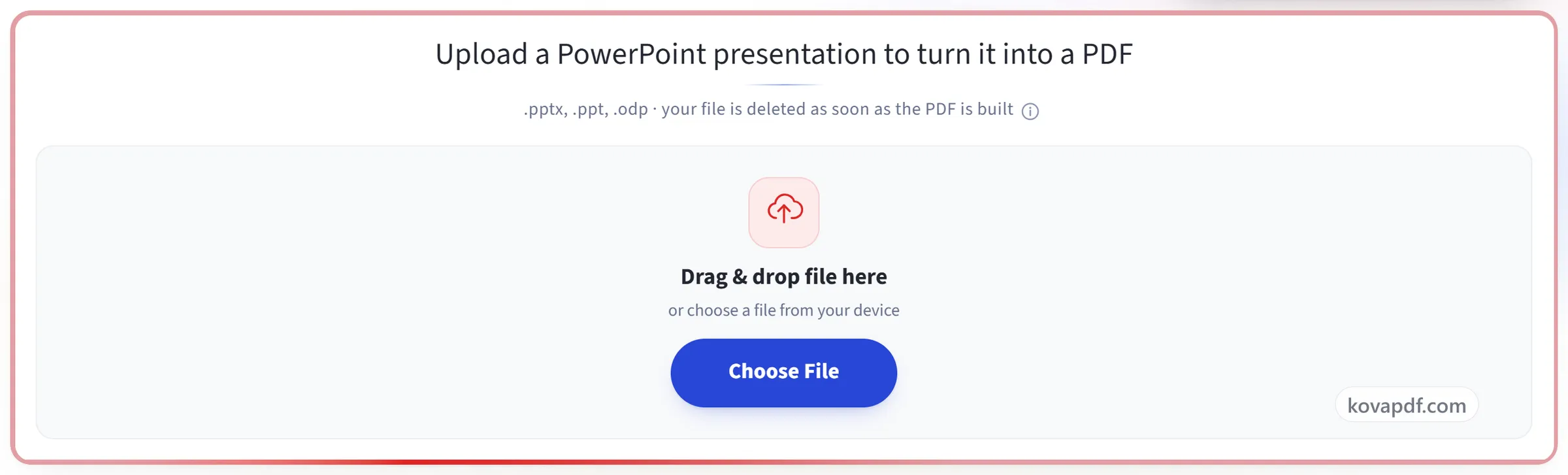
Upload your presentation
Drag a .pptx (or .ppt, .odp) onto the panel, or click it to pick one. Your file is deleted as soon as the PDF is built.
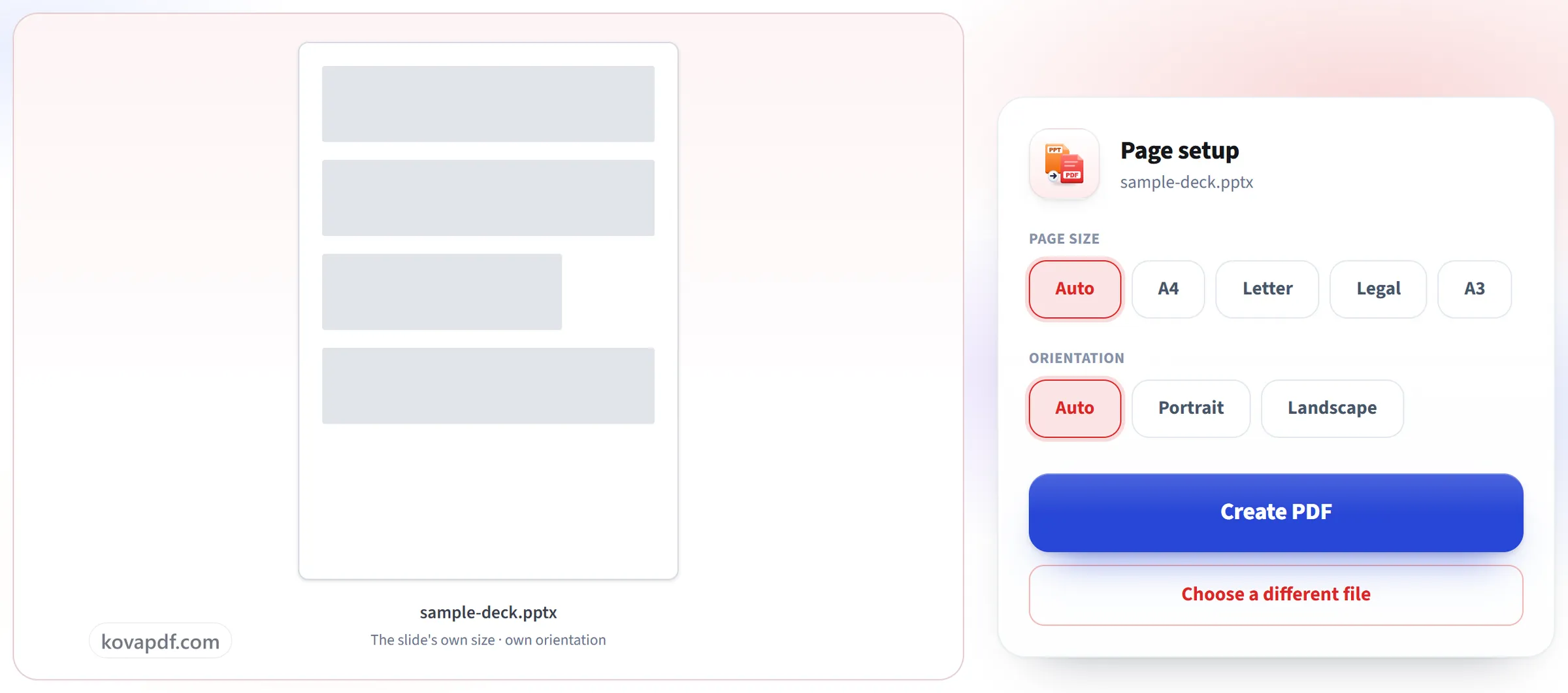
Confirm the page
Each slide becomes one page at the presentation's own slide size, so a 16:9 deck stays 16:9 and nothing needs fitting.
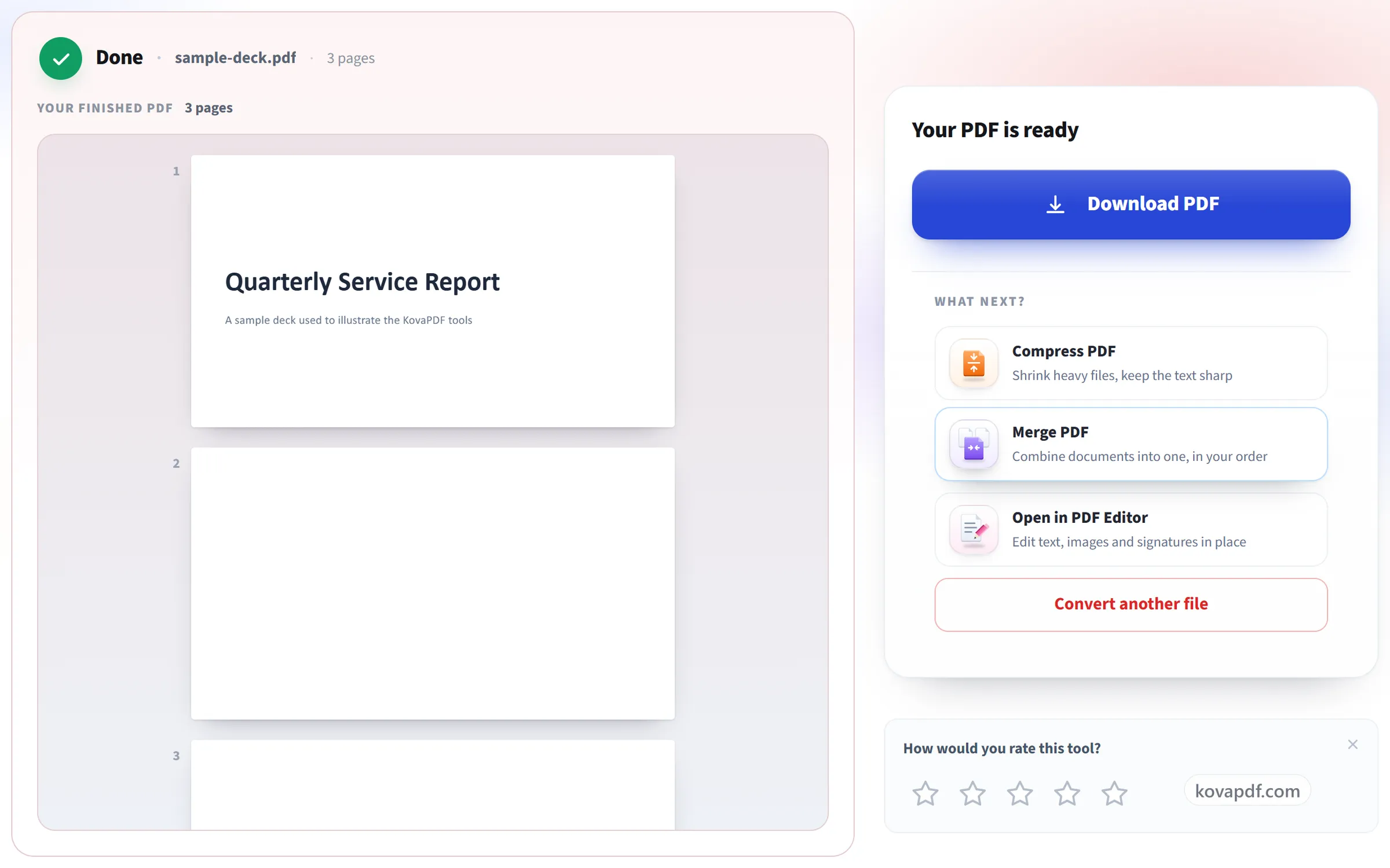
Download your PDF
Fonts, images and layout come across as designed, ready to email or print as a handout.
PowerPoint to PDF: a visual walkthrough
One page per slide, at the size you designed them.
Upload your presentation
Drag a .pptx (or .ppt, .odp) onto the panel, or click it to pick one. Your file is deleted as soon as the PDF is built.
Confirm the page
Each slide becomes one page at the presentation's own slide size, so a 16:9 deck stays 16:9 and nothing needs fitting.
Download your PDF
Fonts, images and layout come across as designed, ready to email or print as a handout.
Frequently asked questions about PowerPoint to PDF
How do I convert a PowerPoint to PDF?
Upload the .pptx, .ppt or .odp file and convert it. Each slide becomes one page of the PDF, in order, and the finished file is shown on the result screen so you can check it before you download it.
How are slides laid out in the PDF?
One slide per page. With page size and orientation left on Auto, the default, each page keeps the presentation's own slide size, so 16:9 stays 16:9. Pick a paper size such as A4 instead and each slide is scaled to fit that sheet and centred, still as sharp, selectable content.
Will my fonts and images look the same?
Images, shapes and charts come across as they appear on the slide, and text stays real, selectable text. A font the converter does not have is replaced by the closest match, so a slide set in an unusual typeface can look slightly different.
Do animations and transitions come across?
No. A PDF can't play them. Each slide appears in its final state, the same as in a printed deck.
Are speaker notes included?
No. The PDF contains the slides themselves, which is what a handout or an emailed deck needs.
Can I put several slides on one page?
Not with this tool, which always gives each slide its own page. If you need a handout with several slides per sheet, use your presentation app's own print-to-PDF handout layout.
Which files can I upload?
.pptx, .ppt and .odp.
Is it free?
Yes. Every tool works without paying and without an account. Files can be up to 200 pages and 80 MB, and a run that fails costs you nothing.
Do I need to create an account?
No. All tools work without signing in. An account raises your hourly allowance and lets you see what you have processed.
What happens to my file?
Your file stays on our server only for a short time while it is processed, then it is deleted. It is sent over an encrypted connection. We keep a record that the tool was used, but not the file name or what is in the file.
PowerPoint to PDF guides and articles
Related tools
All PDF tools · 15 step-by-step guides · How your files are handled