Resize PDF
Change the page size of your document to A4, Letter, Legal and more, with content scaled cleanly to fit. To make the file itself smaller, use Compress PDF.
- Free to use
- Works on any device
- Deleted after processing
- A4, A3, A5, Letter or Legal
- Proportions kept by default
- Or stretched to fill the page
- Every page resized
Fit a PDF to a standard page size
A4, Letter, Legal and more · your upload is deleted as soon as the resized file is built
Drag & drop file here
or choose a file from your device
Everything Resize PDF can do
Put every page of a document onto a standard sheet: A4, A3, A5, Letter or Legal.
Page size
- A4, A3, A5, Letter or Legal
- Portrait or landscape, chosen separately from the size
- Every page in the document set to the same sheet
How the content fits
- Keep proportions: content scaled to fit and centred on the sheet
- Stretch to fill: content drawn right across the new sheet
- Keeping proportions leaves the spare space evenly on all four sides
What survives the change
- Text stays selectable text at its new size
- Images and vector drawings scale along with the page
- Pages stay in their original order
- Your original file is left untouched
Before and after
- The whole document shown on screen before you resize
- The result screen names the size and orientation you chose
- One resized PDF back, ready to print or send
How it works
Resize PDF in three steps
Upload your PDF
Drag your file onto the upload panel, or click it to pick one from your device. Nothing is sent anywhere until you start the job, and the working copy is deleted the moment it finishes.
Pick the new page size
Choose the target size. Keep proportions, the default, scales the content to fit without stretching or cropping it; Stretch to fill covers the whole page instead.
Resize and download
Every page is rewritten at the new size, ready to print on the paper you actually have.
Resize PDF: a visual walkthrough
Move a document onto a different paper size: A4, A3, A5, Letter or Legal.
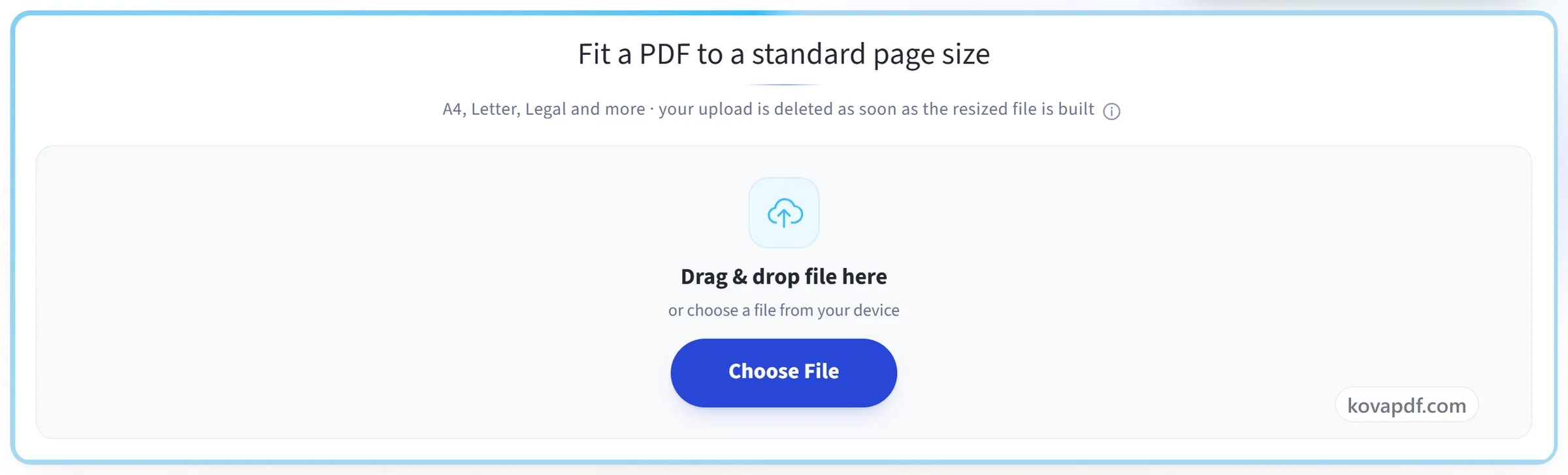
Upload your PDF
Drag your file onto the upload panel, or click it to pick one from your device. Nothing is sent anywhere until you start the job, and the working copy is deleted the moment it finishes.
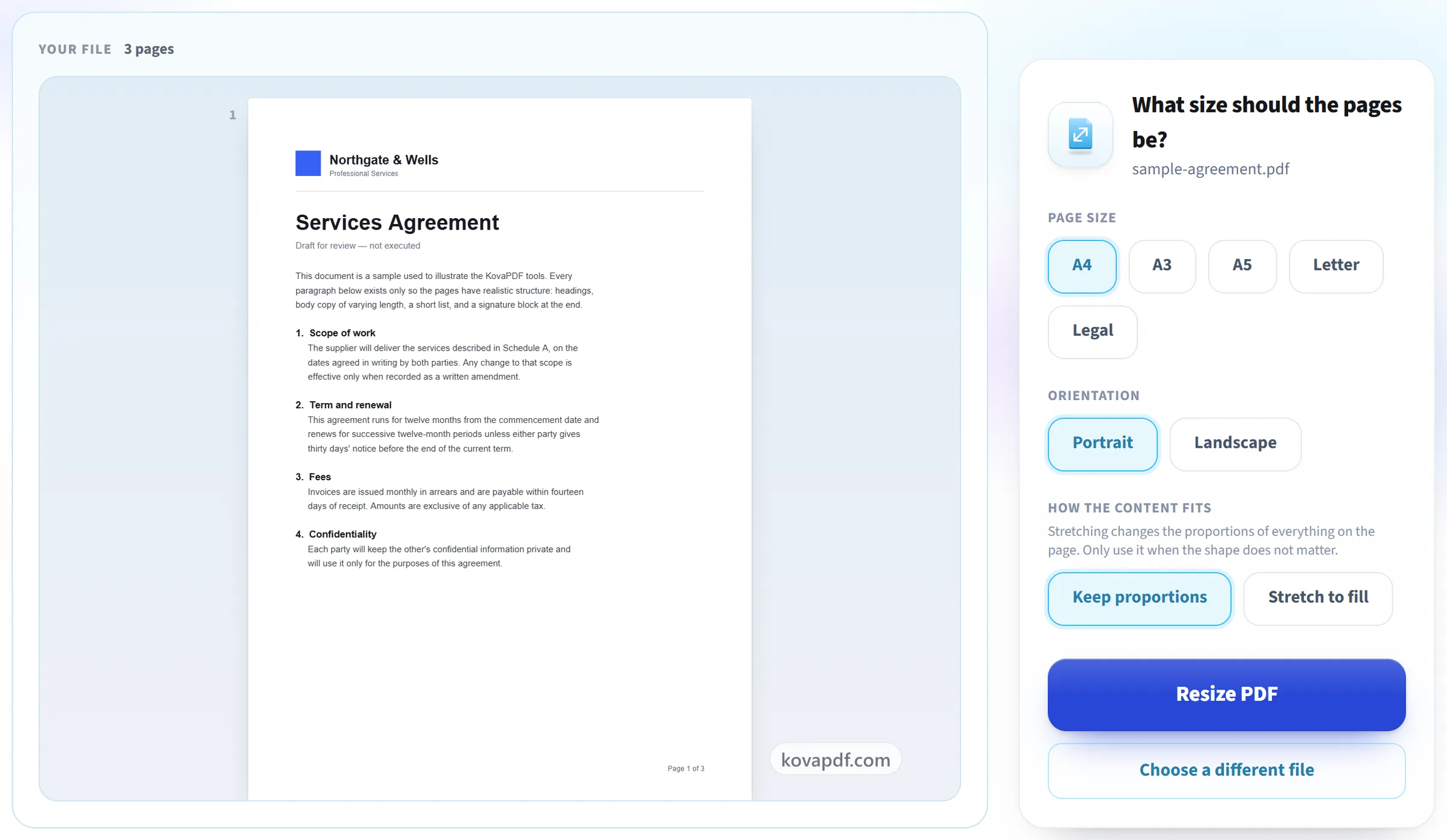
Pick the new page size
Choose the target size. Keep proportions, the default, scales the content to fit without stretching or cropping it; Stretch to fill covers the whole page instead.
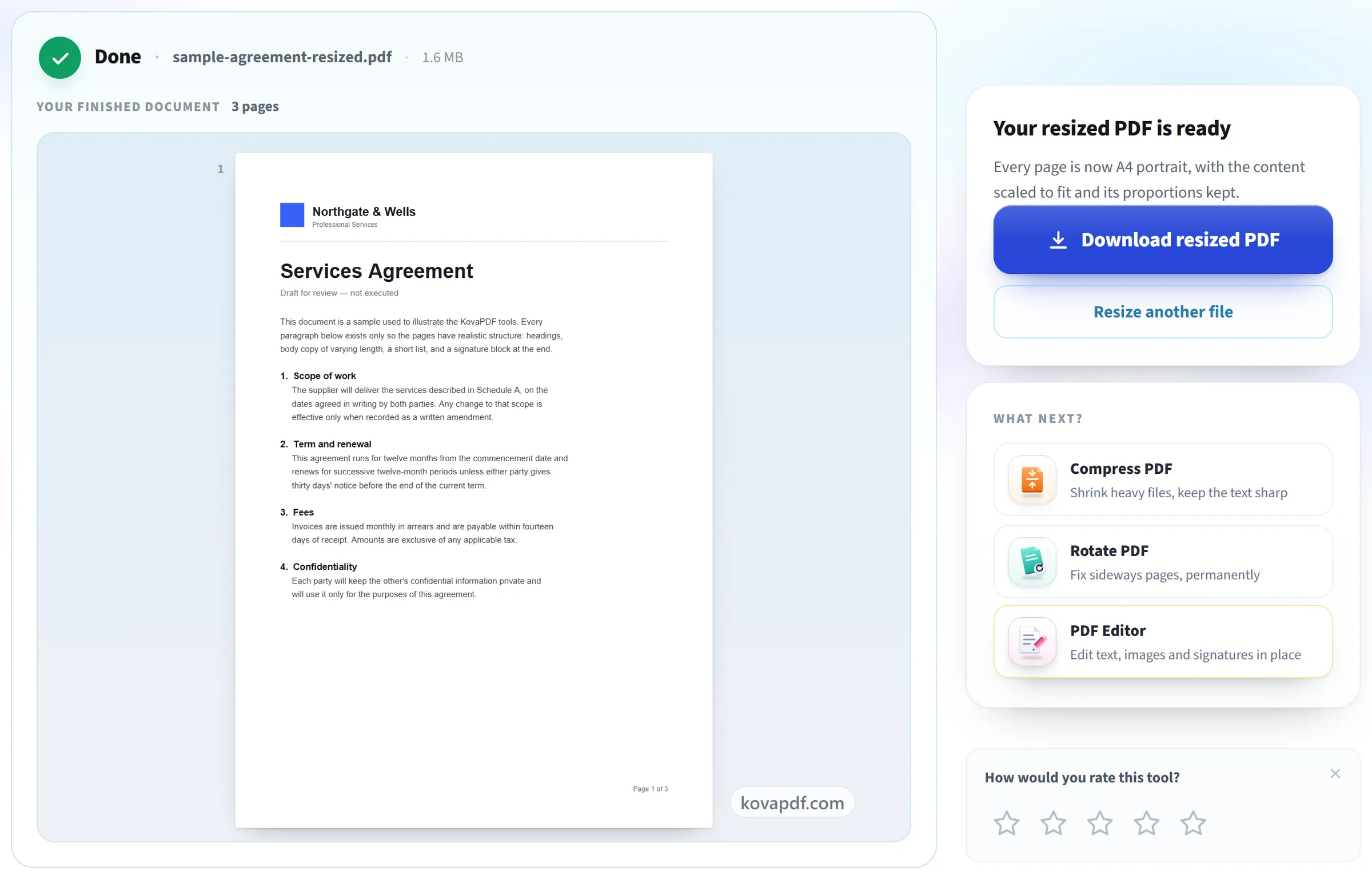
Resize and download
Every page is rewritten at the new size, ready to print on the paper you actually have.
Frequently asked questions about Resize PDF
How do I change a PDF from Letter to A4?
Upload it, choose A4 and Portrait, and leave "Keep proportions" selected. Each Letter page is scaled down slightly to fit the A4 sheet and centred on it, so a thin margin appears at the top and bottom instead of anything being cut off.
Which page sizes are supported?
A4, A3, A5, Letter and Legal, in portrait or landscape.
Will my content get stretched?
Not unless you choose to. With "Keep proportions", the default, the content is scaled evenly to fit the new page and centred, so nothing is distorted or cropped. "Stretch to fill" scales the width and the height separately so the content covers the whole page, which changes its proportions when the two page shapes differ.
Does resizing a PDF make the file smaller?
No. Resize changes the paper size the pages are set on, not how many megabytes the file takes. To reduce the file size, use Compress PDF.
Can I set a custom page size?
No. The choice is A4, A3, A5, Letter or Legal, in portrait or landscape, and every page in the document is set to the size you pick. There is no per-page setting.
Will resizing make the text blurry?
No. The page content is scaled as it is rather than redrawn as a picture, so text and line art stay sharp and selectable, and images are not re-compressed.
Is it free?
Yes. Every tool works without paying and without an account. Files can be up to 200 pages and 80 MB, and a run that fails costs you nothing.
Do I need to create an account?
No. All tools work without signing in. An account raises your hourly allowance and lets you see what you have processed.
What happens to my file?
Your file stays on our server only for a short time while it is processed, then it is deleted. It is sent over an encrypted connection. We keep a record that the tool was used, but not the file name or what is in the file.
Resize PDF guides and articles
Step-by-step
Related tools
All PDF tools · 15 step-by-step guides · How your files are handled