Everything the cover letter tab does
- The same name, contact line, colour and fonts as your CV, on every CV Maker layout
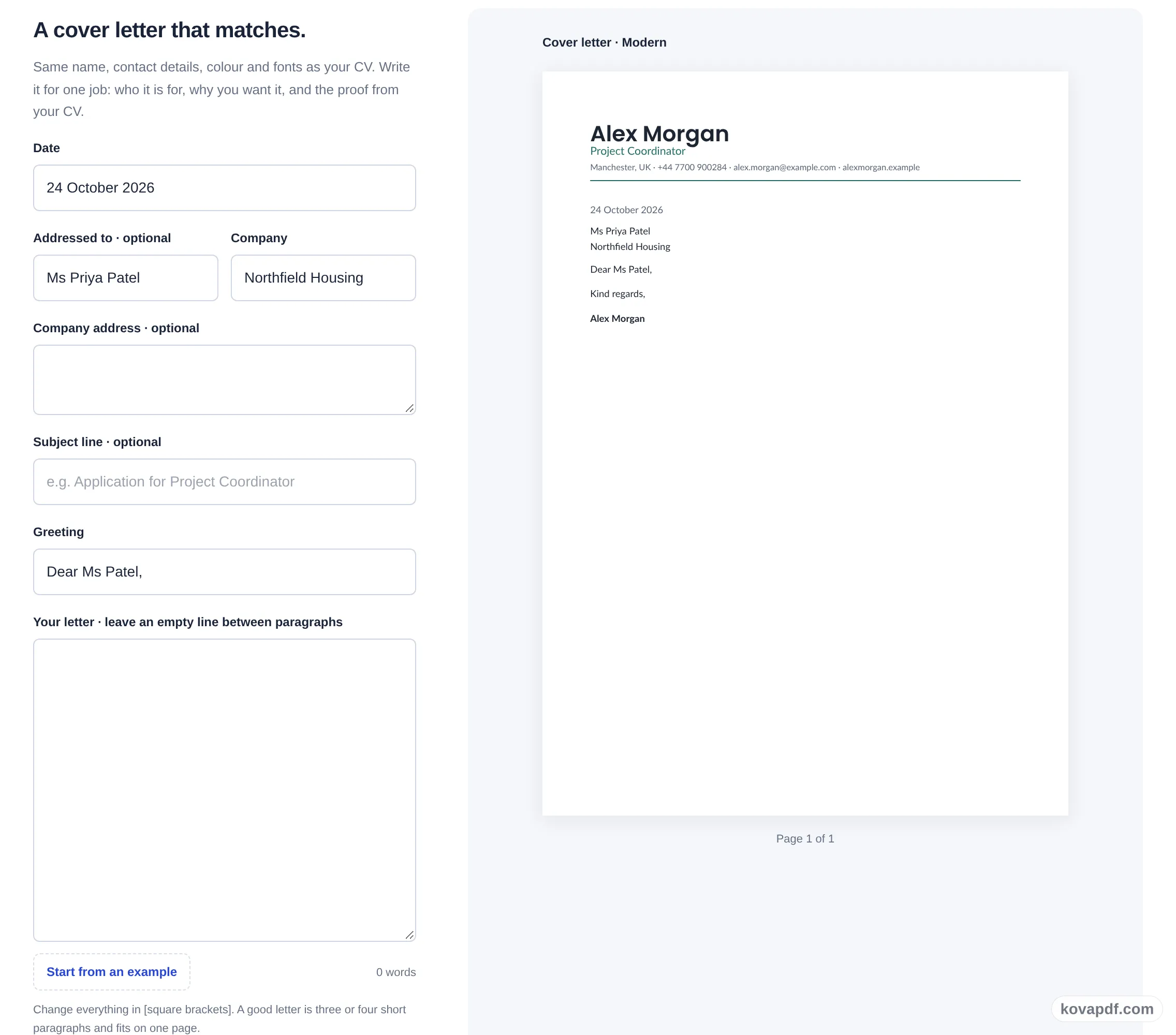
- Date, recipient, company, address, subject line, greeting and closing fields
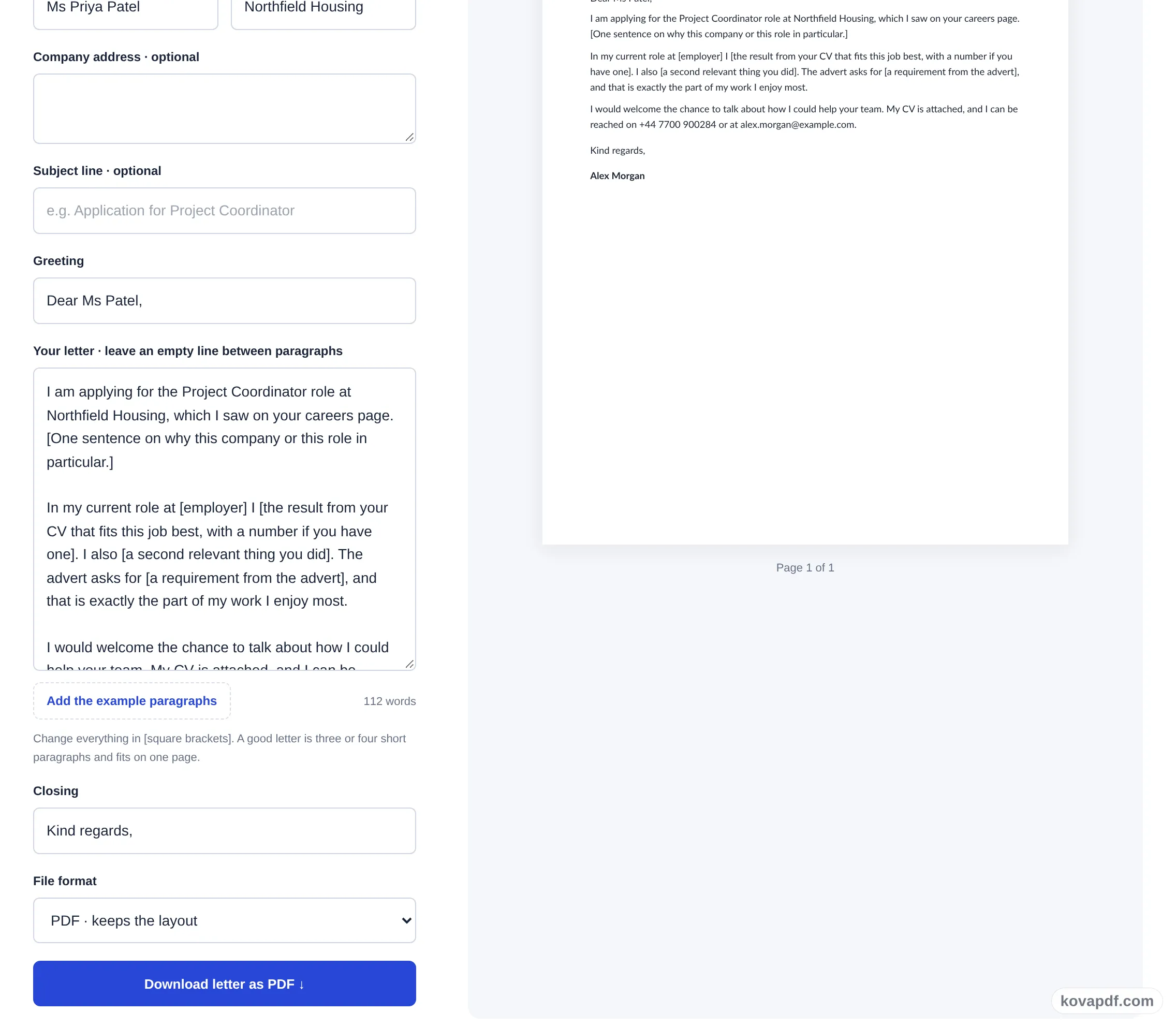
- An example letter with square brackets where your own facts go
- A live word count that suggests 250 to 400 words
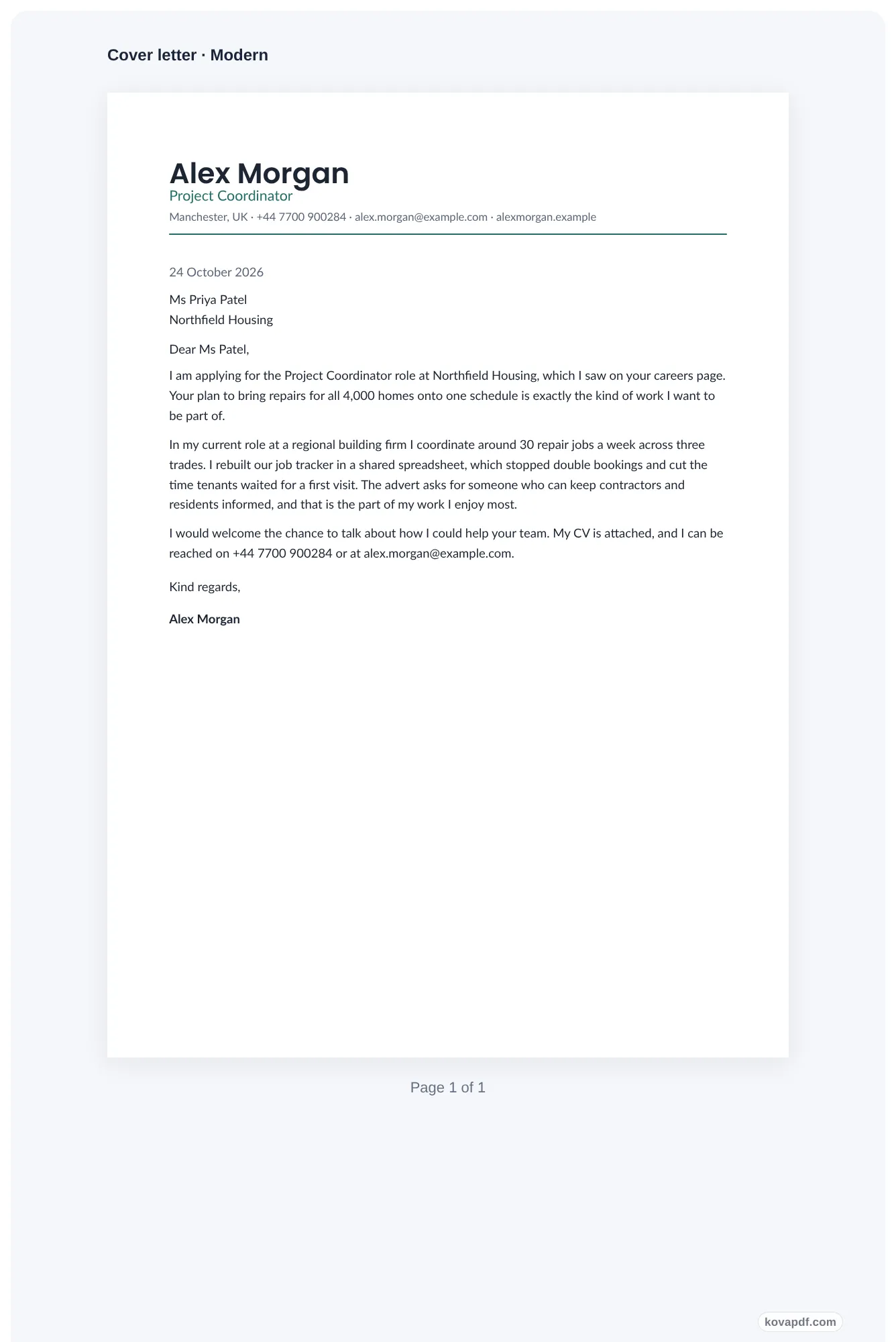
- A page preview that is exactly the file you download
- PDF that keeps the layout, or an editable Word document
- A4 or US Letter, chosen with your CV
- Made in your browser: nothing you type is uploaded
What a cover letter is for
A CV lists what you have done. A cover letter tells one employer why that history matters to them, for this job, now. It is usually read before the CV, often in under a minute, so its job is simple: make the reader want to open the CV and look for the evidence you promised.
That means a good letter is short, specific and written for one advert. A letter that could be sent to any company tells the reader you sent it to every company. Name the role, name the company, and pick the one or two things from your CV that match what they asked for.
The structure that works
- Your details. Name, phone, email and town at the top. The CV Maker copies these from your CV, in the same header style.
- Date and recipient. The date, then the person's name and job title if you can find them, the company and, for a posted letter, its address.
- Greeting. Dear Ms Patel, if you know the name. Dear Hiring Manager, or Dear Recruitment Team, if you do not.
- Opening paragraph. The job you are applying for, where you saw it, and one sentence on why this company or this role.
- Middle paragraph or two. Your strongest piece of evidence for what the advert asks, with a result. Then a second example, or how your experience fills a gap they mention.
- Closing paragraph. That your CV is attached, when you are available, and how to reach you. One line of thanks is enough.
- Sign off. Kind regards or Yours sincerely, then your name. In the UK, Yours sincerely goes with a named person and Yours faithfully with Dear Sir or Madam.
An example cover letter
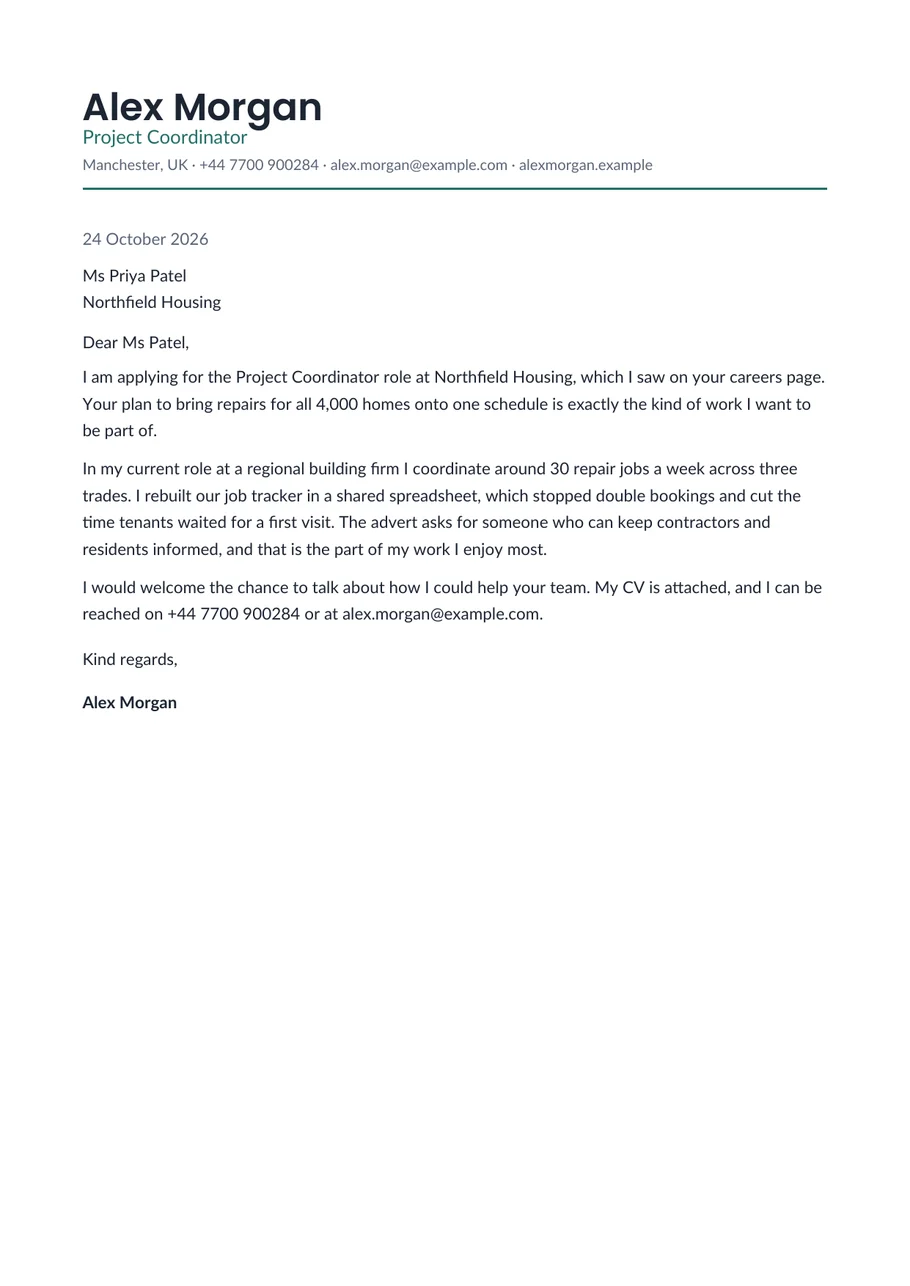
This is the example the CV Maker can start you from, filled in for a fictional applicant. Every sentence names something real: the role, the company, a result and a requirement from the advert.
Alex Morgan · Project Coordinator · Manchester · alex.morgan@example.com
Ms Priya Patel
Head of Operations
Northfield Housing
Dear Ms Patel,
I am applying for the Project Coordinator role at Northfield Housing, which I saw on your careers page. Your plan to bring repairs for all 4,000 homes onto one schedule is exactly the kind of work I want to be part of.
In my current role at a regional building firm I coordinate around 30 repair jobs a week across three trades. I rebuilt our job tracker in a shared spreadsheet, which stopped double bookings and cut the time tenants waited for a first visit. The advert asks for someone who can keep contractors and residents informed, and that is the part of my work I enjoy most.
I would welcome the chance to talk about how I could help your team. My CV is attached, and I can be reached on +44 7700 900284 or at alex.morgan@example.com.
Kind regards,
Alex Morgan
For letters written for other jobs, from a retail assistant to a software engineer, see our cover letter examples.
How long it should be
Between 250 and 400 words, on one page. Three paragraphs are enough for most jobs, four for a senior role or a career change. If your letter runs onto a second page, cut the sentences that repeat your CV and keep the ones that explain it. The word counter under the text box turns orange above 400 words as a reminder.
Mistakes that cost interviews
- The wrong company name. It happens when one letter is reused for many jobs. Read the name aloud before you send.
- Starting every sentence with I. Lead with the employer's need and what you did about it.
- Repeating the CV line by line. Choose one or two results and say why they matter here.
- Vague claims like excellent communication skills, with nothing to show them.
- A letter that ignores what the advert asked for. Quote one requirement and answer it.
- Typos in the greeting or the subject line, where they are most visible.
PDF or Word?
Follow the advert. If it asks for one file, some people add the letter as the first page of the CV PDF; if it asks for separate files, send both. A PDF keeps the layout exactly as you see it. A Word file can be edited and may reflow on another computer, so open it and check before you send. When the letter goes in the body of an email or a form, copy the paragraphs from the box and leave the header out.
Cover letters in the UK, the US and elsewhere
The letter itself barely changes between countries. US letters are often a little shorter and more direct, and are printed on US Letter paper. UK, Irish and Australian letters are on A4 and slightly more formal in the greeting and sign off. Some public sector and teaching jobs ask for a supporting statement instead, which follows the person specification point by point and can run longer than one page. The paper size is the one chosen for your CV.
Questions about cover letters
Is the cover letter template free?
Yes. You can write and download the letter without an account, and the file has no watermark.
Do I have to make a CV first?
No. Open the Cover letter tab and add your name and contact details. If you have built a CV in the CV Maker on this device, the letter picks up its details and design.
Can I change the design of the letter?
The letter follows the design of your CV. Change the layout, colour or fonts of the CV and the letter changes with it, so the two always match.
What if I do not know the hiring manager's name?
Look on the advert, the company website or a professional networking profile first. If you cannot find it, Dear Hiring Manager is fine, and better than a guessed name.
Can I write a different letter for each job?
Yes, and you should. Save a job specific copy of your CV and letter on the review screen, named after the employer, so you know what each one received.
Is anything I type sent to a server?
No. The letter is laid out and turned into a PDF or Word file in your browser. A draft is kept on this device only if you choose to save one.